Recommended Software & Programs for Freelancers and Small Businesses in Design and Content Marketing
With the rise of freelance, contract, and remote work, there has been a growing need for efficient tools in our present-day, diverse workflows. From graphic designers to website designers, and content writers to digital marketers, independent contractors need access to reliable and easy-to-use tools to streamline their projects and help them produce high-quality results.
Thankfully, there are plenty of options. (So many, it took me 3-4 years to find my favorites!) Since 2018, I have tried various tools and programs. The software mentioned here has stood the test of time while still innovating at a steady (if not sometimes fast) pace. In this blog post, I will share some of my favorite programs and software for professionals in website design, graphic design, content creation and digital marketing that are an integral part of my workflow.
Adobe Creative Cloud
Canva
MOO
Squarespace
Grammarly
JasperAI
Microsoft Office
Indy
Todoist
Zoom

Please Note: This is not business or legal advice. This post contains some affiliate links. When you click on an affiliate link to purchase, I receive a commission at no cost to you.
I appreciate your support and strive to share only brands and products I love and trust.
Design Tools
Adobe Creative Cloud
As every creative professional knows, Adobe software is the gold standard for design, vector graphics, photo editing, content creation, video production and more. Adobe CC offers the latest versions of your favorite tools, such as Illustrator, XD, Premiere Pro, Photoshop and InDesign, all within one convenient subscription. Apps, such as Lightroom for photographers, are also available individually if you only need one.
Furthermore, Adobe is quickly innovating with AI, having recently released Adobe Firefly and many AI additions to Photoshop and Illustrator.
With Adobe CC’s cloud capabilities and powerful features, designers can create high-quality digital and print content.
Canva
Canva has quickly become a convenient, simple and intuitive design tool for those who need to create straightforward and professional-looking designs, without all the in-depth features that might be available in Adobe CC. (Depending on the project needs, sometimes it is more efficient to design in Canva than Adobe and vice versa.)
The tool has a user-friendly interface, a library of templates, and many graphic elements to elevate your design. Canva is perfect for creating social media content, blog covers, editing images, designing simple flyers, and more. My favorite newer features include the Gannt Charts, Magic Background Eraser, and Presentation Templates.
MOO
MOO is my go to printer for luxe business cards, postcards, stationery, rack cards, insert cards, brochures, stickers, and more. The account is free, and each order is clearly outlined based on quantity and printing needs.
For marketers and designers, they also have a free sample pack to view various paper stocks and finishes. Look for it under the Marketing Materials tab!
Squarespace
Squarespace is an excellent website platform for your design, art, writing or marketing business. Squarespace is popular due to its organized design interface and visual templates. Read more about “Why I Recommend Squarespace for Designers, Artists, Architects and Creative Professionals.”
With a few onboarding tips, Squarespace websites are simple to set up and maintain. The platform has a full set of features and integrations that can help you build your brand and grow your business.

Writing Tools
Grammarly
As a freelance website designer, graphic designer or content writer, ensuring that your work is error-free and grammatically correct is essential. That's where foundational AI tools like Grammarly come in. Grammarly helps elevate your writing by identifying and correcting grammatical and syntax errors, enhancing readability, and offering suggestions for improving word choice and sentence structure.
Beyond these useful features, Grammarly is incredibly user-friendly, making it an integral tool for creatives looking to produce high-quality work. Whether you're working on a client's website copy or designing digital ads, Grammarly can help ensure that your writing is polished, precise, and professional.
JasperAI
As a website designer or content creator, there are challenges in creating the perfect website or digital marketing campaign. Fortunately, AI technological advancements have made it easier to streamline the ideating and writing processes – although I mostly recommend them for ‘first drafts.’
JasperAI is an innovative tool for those in marketing, website design, and content creation. With JasperAI, freelance designers and marketers can harness the full power of technology to create exceptional work that stands out in today's crowded digital landscape. (After brainstorming the topics, I used Jasper AI to help with the first draft of this blog post.)
Microsoft Office
Although there are multiple word-processing tools available, Microsoft Office Suite is still the most fitting in my experience. The suite has been around for many years and works seamlessly across Apple and Microsoft computers, so it remains a staple in many business and industry workflows. It includes familiar favorites such as Word, Excel, and PowerPoint.
Business Tools
Todoist
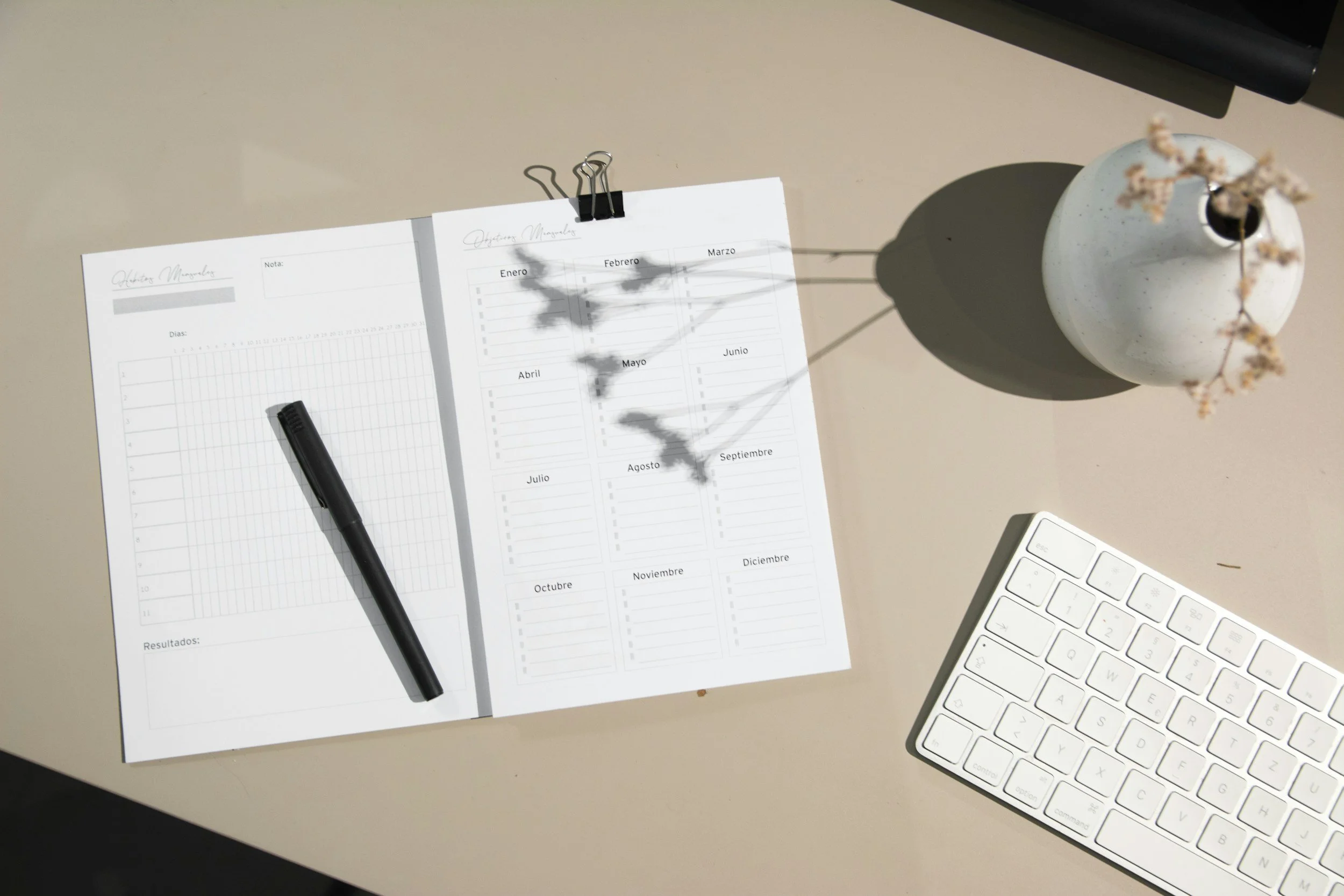
There are many project management tools for solopreneurs and small businesses out there. Todoist is for organizing projects, everyday tasks, and reminders. This life-changing (or life-saving) organizational tool is perfect for Project Management and keeping track of everything from daily chores and reminders to your Client and Project workflows.
Zoom
Success as a freelancer or small business relies heavily on the ability to communicate effectively and efficiently with clients, often remotely. I’ve used Zoom since 2018 and have nothing but good things to say. It’s excellent for freelancers working in website design, content marketing, digital marketing, and graphic design to effortlessly collaborate remotely.
Zoom provides a platform similar to an in-person meeting. As a result, freelancers can deliver their best work by utilizing the platform to screen share, listen to their client feedback, answer questions in real-time, and brainstorm creative solutions.
Indy
Last but not least, discovering Indy may have been a highlight of my freelancing. Indy is an excellent all-in-one accounting tool for solopreneurs that allows them to manage their invoices, clients and contracts. (I tried various invoicing systems before discovering Indy!)
I am confident it’s one of the best and most intuitive invoicing systems for freelancers and small creative businesses.
The above tools are highly recommended whether you’re a seasoned designer, digital marketer, or content creator navigating the world of freelancing or starting your own business.
They provide a diverse range of features for different needs and workflows while maintaining affordability, convenience, and ease of use. If you are looking for ways to simplify your business, it is worth exploring these tools to see how they can help you improve your workflow and ultimately grow your design or creative career.